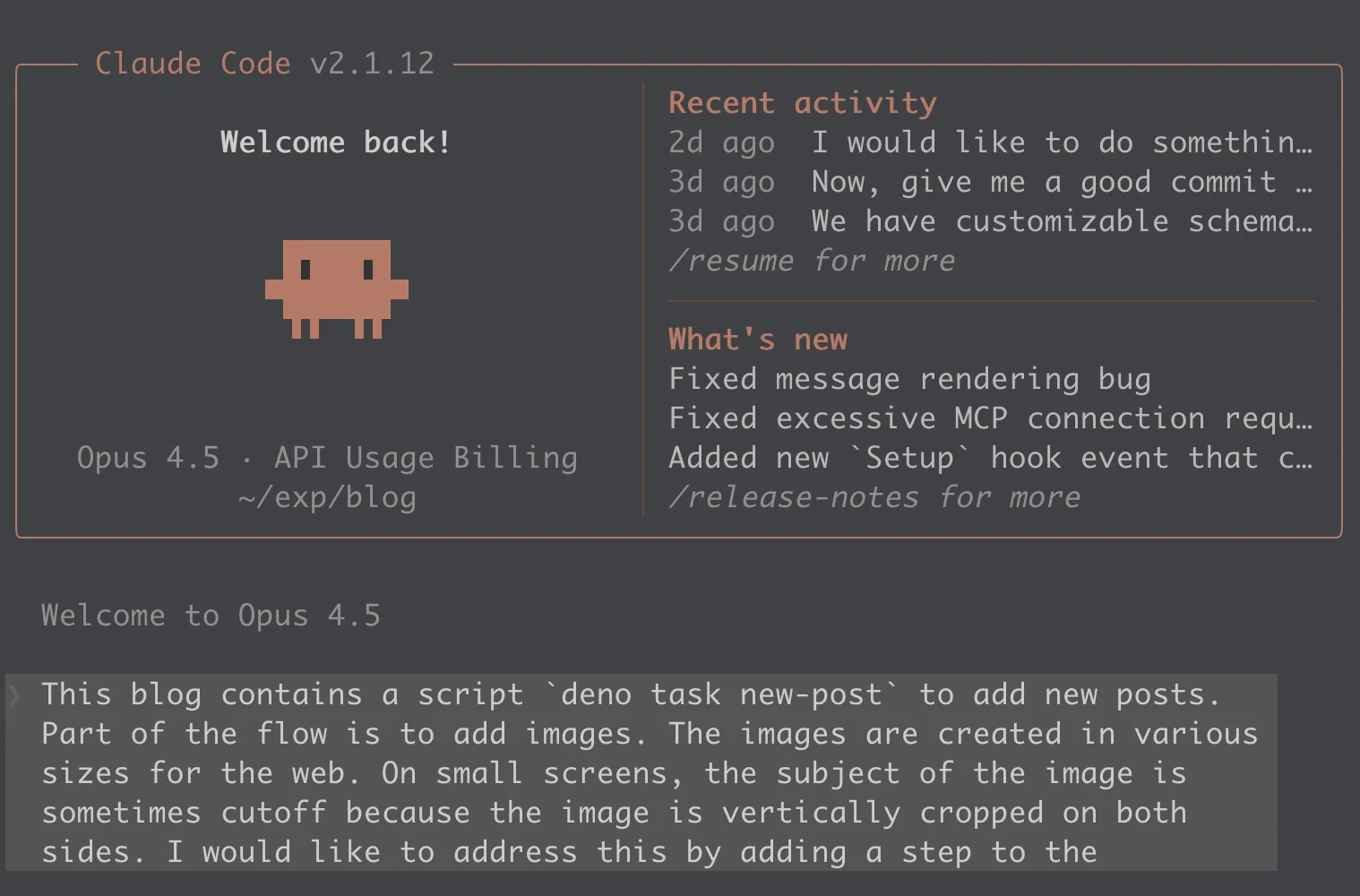
Implementing a feature with Claude Code
This morning I used Claude Code to add a small feature to this blog. The feature itself isn’t particularly complex, but the process of building it with an AI coding assistant was interesting enough to write about.
The Feature
When I add a new post to this blog, I run deno task new-post which walks me through creating the frontmatter and optionally processing a hero image. The problem is that hero images get cropped differently depending on screen size, and sometimes the subject of the photo ends up cut off.
The solution: let me click on the important part of the image (the “focal point”) during post creation, store those coordinates, and use them to control how CSS crops the image. Simple enough.
The Plan
I started by asking Claude to plan the implementation. There is a plan mode that can be used and works well. However, I had recently installed the superpowers plugin and I opted to use its brainstorming command. After some back-and-forth about the approach, we settled on:
- Create a temporary HTTP server that displays the image in a browser
- Capture click coordinates as percentages
- Store them in the post’s frontmatter as
hero_focal_point: { x: 75, y: 30 } - Apply those values as
object-positionin the PostCard component
Claude wrote up a detailed plan, I approved it, and we got to work.
The Implementation
The actual coding went smoothly at first. Claude created the focal point server, updated the TypeScript types, modified the post parser, and integrated everything into the new-post script.
Then we hit our first snag.
Problem 1: Browser Security
When I tested the feature, the browser opened but the image didn’t load. The DevTools showed the request was blocked. The issue? Claude had used a file:// URL to display the image, but browsers block file:// requests from http:// origins for security reasons.
This is the kind of thing that’s obvious in hindsight but easy to miss if you’re not thinking about browser security contexts. Claude fixed it quickly by serving the image through the HTTP server instead of referencing the local file directly.
Problem 2: The Data Wasn’t Flowing Through
After fixing the image loading, I created a test post with a focal point. But when I checked the rendered page, the CSS still showed object-position: center. The focal point wasn’t being applied.
I pointed this out to Claude, and we started debugging. The YAML was parsing correctly. The markdown parser was extracting the data. The PostCard component had the right conditional logic. So where was it getting lost?
Turns out there was a manual mapping in main.tsx that converts posts to metadata before passing them to the HomePage component. This mapping explicitly listed every field to include and hero_focal_point wasn’t in the list. Claude had updated the content-loader and the types, but missed this one spot.
This is a pattern I’ve noticed with AI coding assistants: they’re good at following a logical path through the codebase, but they can miss the “shortcuts” or manual overrides that exist for various reasons. A human who wrote the original code would probably remember that mapping exists. An AI reading through the files might not realize its significance.
The Numbers
Here’s the honest accounting:
- Total cost: $4.78
- API time: ~9 minutes
- Wall clock time: 1 hour 13 minutes
- Lines changed: 483 added, 7 removed
- Files touched: 8
That wall clock time includes me reviewing code, testing in the browser, taking screenshots, and going back and forth when things didn’t work. The API time is more representative of how much “thinking” Claude did.
Was it worth it? For this feature, I probably could have written it myself in similar time. But I also would have had to context-switch into the codebase, remember how the post creation flow works, and look up the Deno HTTP server API. With Claude, I stayed in “product manager” mode, describing what I wanted and reviewing the results.
What Worked Well
The initial plan was solid and matched how I would have approached the problem myself. The generated code was clean, well-commented, and followed existing patterns in the codebase and it didn’t feel like foreign code dropped into my project. Once I identified a problem, fixes came quickly. And throughout the session, Claude remembered earlier decisions and kept the implementation consistent, which matters when you’re touching eight different files.
What Didn’t Work Well
Both issues I described above share a common thread: Claude declared victory too early. After the initial implementation, after each fix, the response was essentially “done!” but it wasn’t. I had to be the one to actually test in the browser and push back when things weren’t working. The AI doesn’t yet have a good sense of when something is truly complete versus when it just looks complete.
Thoughts on AI Coding
I’m genuinely excited about where this technology is heading. A year ago, AI code generation was mostly useful for boilerplate and simple functions. Now I can describe a multi-file feature and get a working implementation that mostly just needs debugging.
But “mostly just needs debugging” is the key phrase. AI coding assistants are not yet at the point where you can fire-and-forget. You still need to understand what’s being generated and catch the gaps. The debugging skills matter as much as ever… maybe more, because you’re debugging code you didn’t write.
The sweet spot right now seems to be using AI for the initial implementation, then applying human judgment for the edge cases and integration points. It’s less “AI writes the code” and more “AI writes the first draft.”
For this feature, the focal point selector works great:
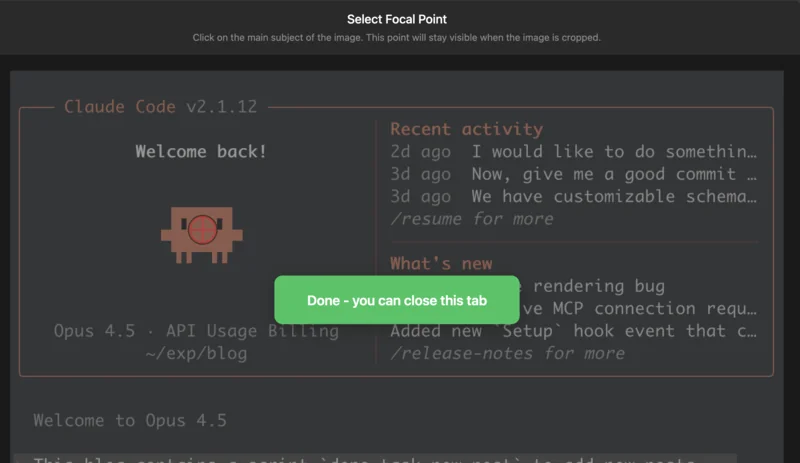 The focal point selection interface
And the hero image on this very post uses it. If you’re reading this on mobile, the image should be cropped to keep the important part visible, assuming I did my job and clicked in the right spot.
Where This Is Heading
If you’re interested in pushing AI-assisted development further, there are some interesting approaches emerging. The BMAD Method (Breakthrough Method for Agile AI-Driven Development) attempts to bake agile software development practices into AI coding sessions by using structured prompts and sub-agents to handle different tasks like planning, coding, and testing. It’s a more involved process but aims to create a more reliable development workflow with AI.
On the more experimental end, there’s the Ralph Wiggum Loop, named after the Simpsons character… The idea is to set up an autonomous loop where an AI agent attempts a task, logs failures, and feeds the results back in until it succeeds. Define clear completion criteria, kick it off, and let it churn overnight. I’m skeptical given that Claude couldn’t even remember to update all the files for a single field, I’m not sure I’d trust it to iterate unsupervised for hours. But for narrow tasks with solid test coverage, maybe there’s something there.
For now, I’m happy with the “AI writes the first draft” model. But I’m keeping an eye on these approaches for when the tools mature a bit more.